Guides
Cloud faxing for UK businesses: what to check before replacing the fax machine
What a UK business should verify about security, data location, retention and contract terms before moving from a fax machine to an online fax service.
What to take away
- An online fax service sits between your business and the sender, so it handles every document that passes through. Under UK GDPR it will usually be acting as your processor, and you remain responsible as the controller.
- The Information Commissioner's Office (ICO) expects a written contract with a processor that gives sufficient guarantees on security and lets you obtain information on, audit or inspect its compliance.
- Check where the provider stores documents. If data goes to an organisation outside the UK, the ICO's restricted transfer rules apply.
- Ask how long faxes are kept and how they are deleted. The ICO says you must not keep personal data for longer than you need it, and that deletion should cover backups.
- Use the National Cyber Security Centre's (NCSC) cloud security principles as a checklist when you assess the provider.
Why businesses still need a fax at all
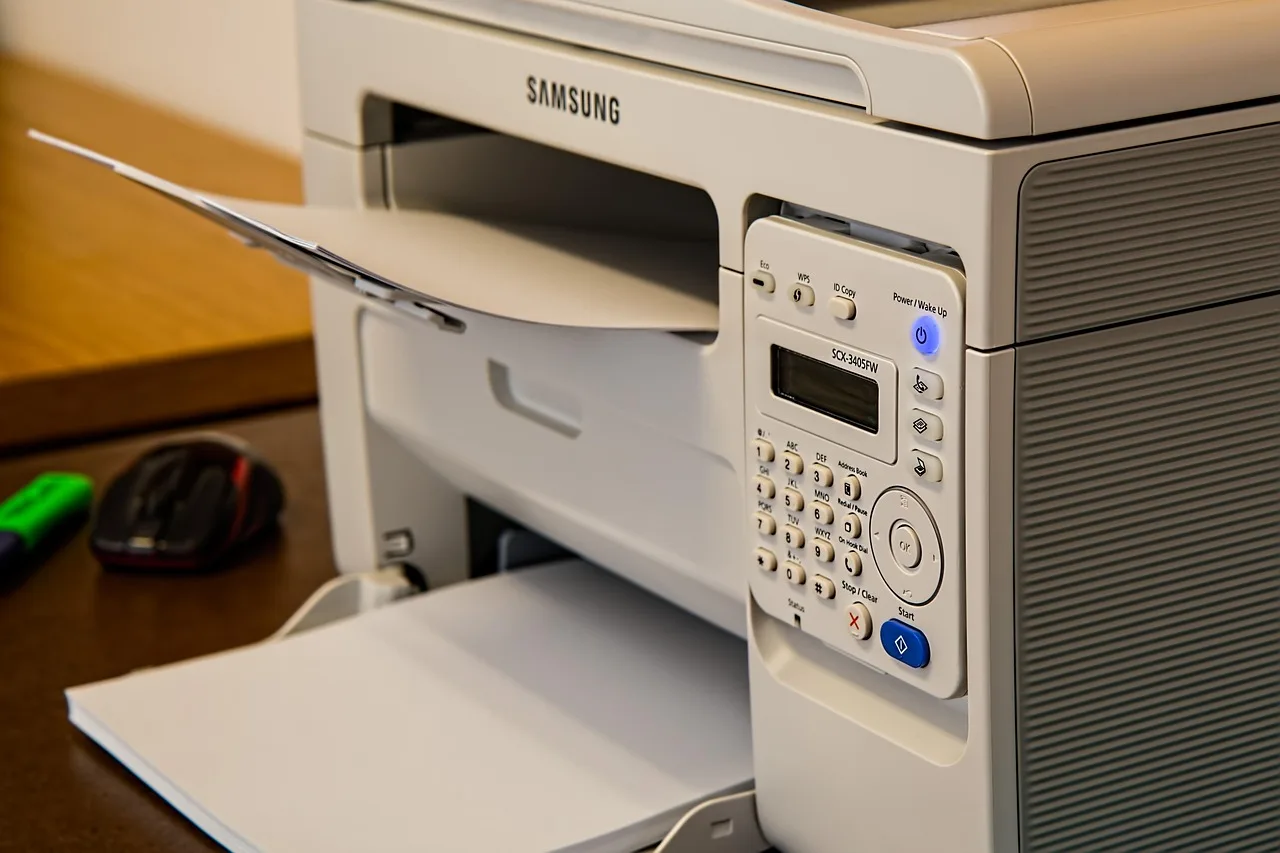
An office that still keeps a fax machine usually does so because a contact on the other end sends or expects documents that way, whether a supplier, a professional adviser or a public body. Replacing the machine with an online service lets you keep that channel without the hardware. Incoming faxes typically arrive as a document in an inbox or web portal, and outgoing ones are sent from a document you already have.
The change is not only about convenience. A paper fax machine in a back office keeps documents inside the building until someone collects them. An online service moves those documents onto someone else's systems. That makes the decision a data protection and security one, not just a purchasing one. If you are also reviewing other office equipment, the notes on small business device lifecycles and home printer and scanner buying cover related questions.
Who is responsible for the data
A fax often contains personal data: names, addresses, medical or financial details, signatures. Once it passes through a provider, two parties are involved. You decide why and how the documents are used, which makes you the controller. The service stores and transmits them for you, which usually makes it a processor.
The ICO's guidance on data security says you should choose a processor that gives sufficient guarantees about its security. The written contract should require the processor to take the appropriate security measures and should let you obtain information on, audit or inspect its compliance. The ICO also says you remain responsible as the controller. In practice that means:
- Read the provider's data processing terms before you sign, not after.
- Check that the terms cover security, staff access, sub-processors and deletion.
- Ask what the provider does if there is a breach, and how quickly it tells you.
- Keep a copy of the signed terms with your records.
If the provider's terms are a click-through box with no processing clause, treat that as a reason to look elsewhere.
Security checks
The ICO says personal data must be processed with appropriate technical and organisational measures, covering confidentiality, integrity and availability. There is no single standard that fits every business. You assess the risk, considering how sensitive the documents are and what harm a leak would cause. The ICO recommends encryption when personal data is stored or sent over the internet, supported by a suitable policy and a documented risk analysis. It also expects access controls, so that only authorised people can access, change, disclose or delete data.
For a fax service, put those expectations into questions:
- Encryption.Is the fax encrypted when it travels between the provider and your inbox or portal? Is it encrypted while stored?
- Access.Who in your business can see incoming faxes? Can you restrict a number or mailbox to named people? Is multi-factor sign-in offered for the portal?
- Logs.Can you see who opened, downloaded or deleted a document?
- Staff access at the provider.What controls limit and record provider staff access to your documents?
- Email delivery.If faxes are delivered by email, does your own email setup meet the same standard? A secure fax service delivering to a weakly protected inbox moves the problem.
The NCSC's cloud security principles are a free checklist for this. They are designed to help you choose a cloud provider that meets your security needs, and they apply to software-as-a-service as well as platforms. Several map directly to fax: data in transit protection, separation between customers, personnel security, identity and authentication, and audit information and alerting. The NCSC notes that you still need to configure the service securely yourself, so a good provider does not remove your own duties.
The ICO also suggests basic controls such as Cyber Essentials as a starting point, staff training, and regular review of your measures. If your business already works to those, add the fax service to the same review.
Where the data is stored
Ask the provider in writing where documents are processed and stored, including backups and any support teams that can reach them. If the provider is based outside the UK, or uses sub-processors that are, the ICO's guidance on international transfers may apply.
A restricted transfer happens when UK GDPR applies to your processing, you initiate a transfer to an organisation outside the UK, and that organisation is a separate legal entity. The ICO says the rules apply even to small or infrequent transfers. Where adequacy regulations cover the destination country, data can move without extra safeguards. Where they do not, the ICO lists safeguards such as the international data transfer agreement (IDTA), the international data transfer addendum, or UK binding corporate rules, together with a transfer risk assessment.
For a small business that sounds heavy. The practical approach is to prefer a provider that states clearly where data sits, and to ask for its transfer mechanism in writing if any data leaves the UK. If the provider cannot answer, that is information too.
Retention and deletion
Online fax services often keep copies for a period so you can look up past faxes. That can be useful, but it also creates a store of personal data that you must manage.
The ICO says UK GDPR sets no fixed retention periods. You decide retention based on your purposes, and you must be able to justify it. You must not keep personal data for longer than you need it, and you should not hold it indefinitely just in case. The ICO adds that deletion should cover backups, and that offline storage is not the same as deletion.
Questions for the provider:
- How long does the service keep sent and received faxes by default?
- Can you set a shorter period, or delete individual items?
- What happens to your stored faxes if you close the account?
- Does deletion extend to backups, and how long does that take?
Then settle your own policy. A fax that you need as a business record should be saved to your normal filing system and removed from the provider. A fax you do not need should be deleted. The notes on data privacy during repairs cover a similar handover-and-delete routine for devices.
Costs and contract terms
Pricing structures differ, so compare them in terms of how you actually fax, not headline monthly figures. Ask about what is included for pages sent and received, charges for extra numbers, charges when you exceed the allowance, and fees for exporting your archive. Ask the provider for its prices in writing and check them against its own website before you sign.
Look also at the exit. Can you keep your fax number if you change provider? Can you export your faxes before you close the account? How much notice does the contract require? Switching is much easier when you know the answers on day one.
If the machine you are retiring is part of a wider decision about what to repair, replace or recycle, the guide to repair or replace under UK VAT and warranty rules may help with the business-side paperwork.
A short pre-switch checklist
- List who sends you faxes and what they contain.
- Decide who in the business should receive them.
- Shortlist providers that state where data is stored.
- Read the processing terms and check them against the ICO's expectations.
- Test with non-sensitive pages before moving real documents.
- Set retention and deletion rules, and tell staff.
- Keep the old machine until you have confirmed that senders can reach the new number.
Common questions
Do we need a data protection impact assessment?
Is an online fax more secure than a fax machine?
Are we still responsible if the provider is breached?
Official sources
- [International transfersa guide, Information Commissioner's Office](https://ico.org.uk/for-organisations/uk-gdpr-guidance-and-resources/international-transfers/international-transfers-a-guide/)