Maintenance
Part of Headphone and speaker choices that actually fit how you listen
Used headphone and speaker checklist for fit, drivers, and safe payment
Used headphone and speaker checklist for identity, hygiene, fit, drivers, microphones, cables, pairing, batteries, charging, accounts, records, and safe payment.
What to take away
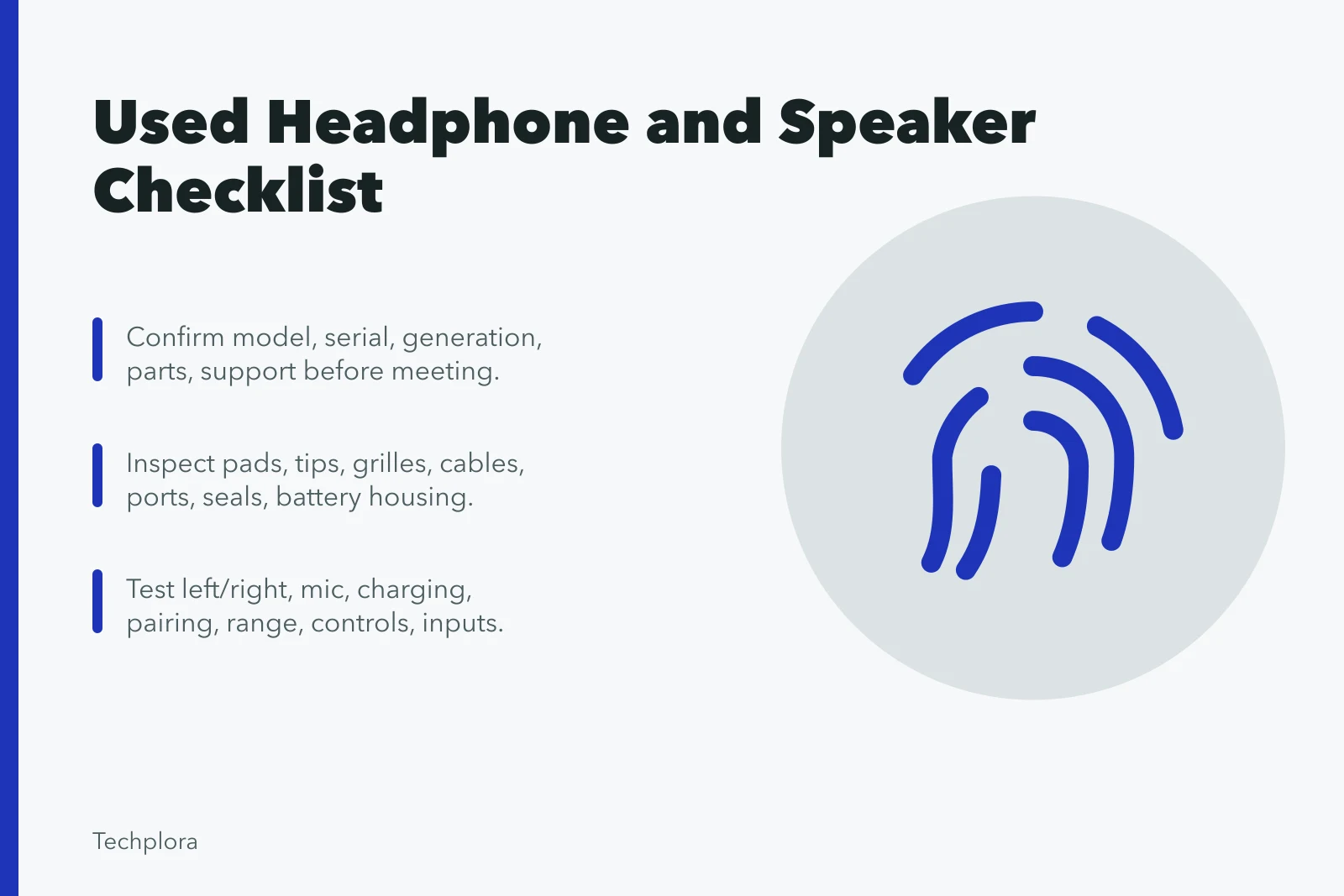
- Confirm the exact model, serial, generation, included parts, and support before meeting.
- Inspect wearable materials, grilles, cables, ports, hinges, controls, seals, and battery housing.
- Test left and right channels, microphone, charging, pairing, range, controls, and every required input.
- Reset wireless products and remove prior account or pairing relationships before adding yours.
- Do not buy swollen, wet, scorched, counterfeit, recalled, or electrically damaged equipment.
Used personal audio needs both a technical and a hygiene inspection. Ear pads, tips, headbands, grilles, and microphones can hold skin oils, debris, or moisture, while a short demo can hide a weak battery, intermittent cable, damaged driver, or pairing problem. Bigger screens get the same scrutiny in the used monitor and television inspection checklist.
Verify the listing before travel
Ask for the full model and serial, purchase date, seller, battery age, repair history, water exposure, faults, included cable, charger, case, ear tips, adapters, remote, stands, and packaging. Request current photographs from every side and of the label. Product families often reuse a name across generations with different batteries, ports, applications, and features.
Verify listing before travel
- Full model and serial number
- Purchase date and seller
- Battery age and repair history
- Water exposure and faults
- Included cable, charger, case, tips
- Current photos from every side
Check the maker's specifications, manuals, firmware support, replacement pads or tips, battery service, warranty transfer, and reset process. Search official recall and safety notices for that model and charger. Confirm that the source devices you own support the required plug, microphone, wireless mode, and application. The headphone and speaker buying guide explains which of those factors deserve veto power.
Avoid listings that copy stock photos, hide the serial, promise an account-locked product can be fixed later, or demand payment outside the platform's documented process. Each of those is a documented technology listing problem with a standard counter.
Hygiene and fit inspection
Ask the seller not to apply fragrance or heavy cleaner before inspection. Under bright light, check pads, tips, headband, fabric, mesh, microphone openings, speaker grilles, and case. Look for residue, mildew, corrosion, cracking, flaking, torn foam, loose glue, blocked mesh, and missing filters.
Replace personal-contact parts when the design permits and include that cost. Do not share in-ear tips during a brief test; bring compatible new tips if the seller and maker allow replacement. A cosmetic wipe does not establish that a porous pad is clean or that liquid has not reached electronics.
Wear over-ear or on-ear headphones long enough to check clamp, weight, adjustment, hinge noise, seal, glasses contact, and channel stability during movement. Do not buy a damaged headband with the plan to tape a structural crack that carries clamping force.
Physical and power checks
Inspect cables along their full length and flex gently near plugs, splitters, remotes, and cup entries while low-level audio plays. Listen for crackle or channel loss. Check ports for looseness, bent contacts, debris, corrosion, scorching, and signs of forced plugs.
For rechargeable products, inspect for swelling, lifted seams, heat, odor, leakage, and damaged charging contacts. Stop if any appears. Confirm that the specified cable and power source produce a stable charge indication. Test operation on battery after a known charge and record the starting and ending percentage or indicator over a timed session.
Sound and driver test
Start at low volume. Play a spoken center signal, left and right identification, a slow frequency sweep from a reputable local test file, silence, and familiar music. Listen for imbalance, rattle, buzz, hiss, distortion, intermittent output, or a driver that changes when the cup or cable moves.
Compare channels only after checking fit and seal. Earwax or debris on one mesh can reduce level. Wikipedia's article on headphones explains the mechanics: each side is a small loudspeaker driver.
A sealed design attenuates outside noise only when it seals against the head, and earbuds sit in the ear canal, where a partial fit changes what you hear. Use the maker's cleaning method rather than pushing debris inward.
For speakers, test at low, moderate, and briefly higher normal levels without clipping the source. Listen close to each driver and from the intended room distance. Rattle can come from the cabinet, a loose grille, an object in the room, or the recording, so substitute one factor at a time.
Microphone and controls
Record speech in quiet and typical background noise. Test both ends of a call, mute, volume, track controls, assistant, transparency, noise control, and automatic pause. Confirm that the remote or touch surface responds consistently and that voice prompts identify the expected mode.
Check analog and USB microphones separately if both exist. Some wireless headsets change playback quality when the microphone is active; verify that this is acceptable in the actual work or game app. The wired and wireless comparison explains why the microphone changes playback.
Wireless and software checks
Have the seller remove the product from accounts, finding services, and paired source lists where applicable, then do the documented factory reset.
Pair it to a clean test source and verify the model name. Play at least 20 minutes, walk the intended range, and test sleep, wake, reconnect, source switching, and firmware detection. The wireless audio setup routine starts from this reset on day one.
Confirm that the official application still installs on your operating system and does not require an unavailable regional account. Check whether core playback and controls continue without the app.
Battery disposition matters
If a rechargeable product has reached end of life, do not put it in household trash or curbside recycling. EPA's page on used lithium-ion batteries lists wireless headphones among battery-powered electronics and points consumers to proper electronics, battery, hazardous-waste, retailer, or take-back routes.
It also advises separate bagging or nonconductive tape over exposed terminals. Contact the maker for damaged-battery handling.
Price battery service before purchase. A sealed battery with very short run time can make an otherwise functional headset or speaker uneconomic.
Transaction record
| Item | Evidence |
|---|---|
| Identity | Model, generation, serial, photographs |
| Condition | Pads, tips, grille, cable, ports, hinges |
| Audio | Channel, sweep, speech, microphone, controls |
| Power | Charger, timed battery result, heat |
| Connected state | Reset complete, new pairing succeeds |
| Terms | Seller, price, payment, return, warranty |
Common questions
Is a ten-minute battery test enough?
No. It can expose severe failure but cannot establish full capacity, standby drain, or performance near empty.
Can I clean and reuse ear tips?
Follow the maker's material-specific guidance. Replacing compatible personal-contact parts is often the clearer choice for used in-ear products.
Does successful pairing prove all features work?
No. Test playback, microphone, controls, app, range, reconnect, source switching, updates, and charging.
Is a cracked speaker grille only cosmetic?
Not necessarily. It can expose drivers, admit debris, vibrate, or indicate impact. Inspect the cabinet and sound before deciding.