Guides
Laptop buying guide: a framework for comparing options
This laptop buying guide frames how to compare configurations: workload, chip, memory, Thunderbolt 4 or USB4 docking, repairability, and seller terms.
What to take away
- Define applications, file sizes, displays, travel, and battery needs before choosing hardware.
- Compare exact configurations, because one model name can cover very different parts.
- Test the keyboard, trackpad, display, camera, ports, noise, and heat as a complete system.
- Confirm software support (Windows 10 ends October 14, 2025), upgrade limits, parts, and service routes before purchase.
- Include docks, adapters, storage, warranty, repair, and downtime in total cost.
A laptop buying guide must consider computer performance alongside a display, keyboard, trackpad, battery, radios, camera, microphones, speakers, ports, cooling, and a case. A strong processor cannot rescue a poor keyboard for a writer or missing ports for a field technician. The technology buying guide explains that system-first frame for every category.
Start with a workload sheet
List the required applications, operating system, project sizes, peripherals, network conditions, and security or management tools. Describe a heavy but normal hour of work. For example:
Workload sheet checklist
- Required applications and operating system
- Project sizes and peripherals
- Network conditions and security tools
- Describe a heavy but normal hour
- Tasks that must work on battery
- Tasks that can wait for a desk
- video call with screen sharing
- two external displays
- ten browser tabs and a large spreadsheet
- photo import and export
- development environment or virtual machine
- accessibility software and input devices
Record which tasks must work on battery and which can wait for a desk. A benchmark matters only when it resembles a real constraint. Feed the workload sheet into the shortlist method to keep candidates comparable.
Pick the platform before the specification race
Check whether required apps, drivers, plugins, games, security tools, file formats, and peripherals run on the operating system and processor architecture. Web access alone does not prove full compatibility.
Platform compatibility check
Do required apps, drivers, plugins, and peripherals run on the OS and architecture?
confirm dated support policy and OS lifecycle
choose a different platform or reopen the category question
Some browser services need local extensions, protected-media support, cameras, smart cards, or offline files. If the required work is light, the tablet, e-reader, and laptop comparison may reopen the category question.
Find the maker's dated support policy and the operating system's lifecycle. Windows 10 reaches end of support on October 14, 2025; a low price near that date can force an early upgrade. For managed work, confirm enrollment, encryption, recovery, and administrator requirements before buying.
Size performance for the task
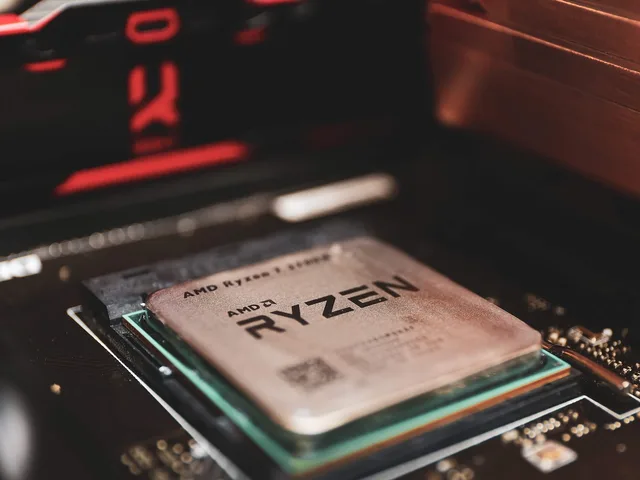
Processor family, generation, power limit, cooling, memory, and storage work together. Compare the exact chip—Intel Core Ultra or AMD Ryzen, for instance—not a broad label like "latest generation." Sustained work may perform differently from a short test if the chassis cannot remove heat.
Memory and storage upgrade paths
Soldered
- Upgrade later
- No
- Warranty risk
- None
- Recovery impact
- None
- Cost at purchase
- Higher spec
Socketed
- Upgrade later
- Yes
- Warranty risk
- Check terms
- Recovery impact
- Check
- Cost at purchase
- Lower spec
Partly both
- Upgrade later
- Some
- Warranty risk
- Check terms
- Recovery impact
- Check
- Cost at purchase
- Mixed
Memory must cover the OS, required apps, browser use, media, and expected growth. For general use, 16 GB is the practical floor; development environments, virtual machines, and large photo or video projects push toward 32 GB. Check whether it is soldered, socketed, or partly both.
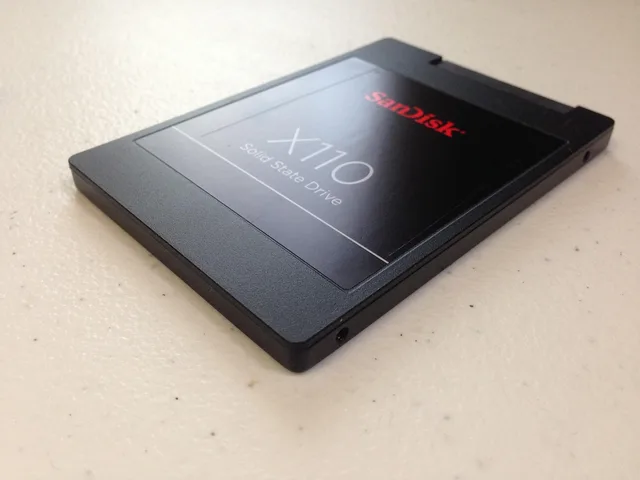
Storage needs space for system, updates, apps; active files, offline data, and free-space headroom count. Confirm whether the drive uses a replaceable PCIe 4.0 or PCIe 5.0 NVMe module or is soldered to the board, and whether warranty or recovery is affected.
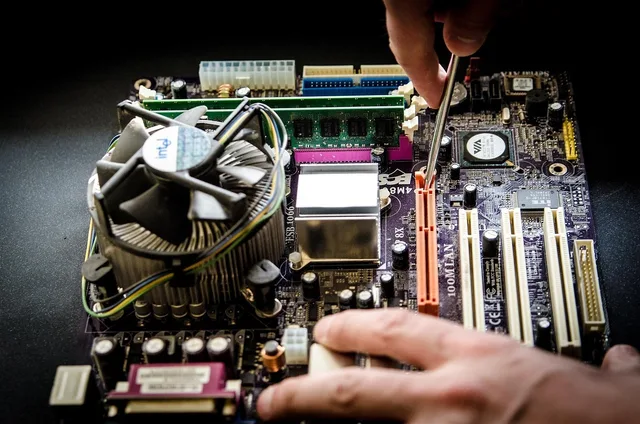
Upgrade paths matter later; the laptop upgrade planner shows what socketed memory and storage buy you.
Judge the parts you touch and see
Use the keyboard for a full paragraph. Check layout, key travel, flex, lighting, function-key behavior, and accessibility. Test trackpad accuracy, click pressure, palm rejection, gestures, and drag operations.
Keyboard, trackpad, and display tests
- Type a full paragraph on the keyboard
- Check key travel, flex, lighting, function keys
- Test trackpad accuracy, click pressure, palm rejection
- Assess text clarity, scaling, glare, brightness
- Check color, refresh, touch, pen, flicker
- Verify webcam, microphone, speakers, privacy shutter
For the display, assess text clarity, scaling, glare, viewing angles, brightness control, color needs, refresh behavior, touch, pen support, and flicker sensitivity. A larger screen increases workspace but also size and energy use. Verify webcam position, microphone sound, speaker clarity, and whether a privacy shutter or hardware indicator is required.
Confirm ports and docking
Write every simultaneous connection: power, displays, storage, network, audio, card reader, security key, and input devices. A USB-C connector does not prove charging, display output, data speed, or a particular docking standard. Look for explicit Thunderbolt 4, USB4, or DisplayPort Alt Mode certification on the exact model.
Check supported display count, resolution, refresh rate, cable, dock firmware, and power delivery for the exact configuration. Price the dock and adapters now. A thin laptop plus a costly Thunderbolt 4 dock may lose its apparent price advantage.
Measure mobility honestly
Add laptop, charger, adapter, case, and any travel dock to carried weight. Check physical size on the intended desk, tray, bag, or wheelchair mount. Review charger size, cable length, and whether a compatible spare is available.
Durability claims deserve the same scrutiny. Wikipedia's summary of MIL-STD-810 describes a set of laboratory test methods covering shock, vibration, dust, and transit drops, and carries a dedicated section on how loosely the standard can apply to ruggedized consumer products. A brochure that names the standard without naming the procedures run says very little about a particular laptop.
Battery figures depend on display brightness, radio use, applications, video, power mode, and temperature. Prefer tests that resemble your day. Check battery-health reporting, replacement method, cost, and turnaround.
Include repair and environmental evidence
Look for model-specific service manuals, parts lists, replaceable components, diagnostic tools, and local service. Price likely work such as battery, keyboard, display, fan, charging port, and storage service. Ask whether repair requires full device exchange or erases data. In the United States, several states have enacted right-to-repair laws requiring makers to publish repair manuals and sell parts to independent shops; check your state's requirements. Minnesota's law, section 325E.72 of the Minnesota Statutes, shows what such a law requires: for digital electronic equipment sold or used in Minnesota, the original equipment manufacturer must make documentation, parts and tools, including updates to embedded software, available to independent repair providers and owners on fair and reasonable terms, within 60 days after the equipment's first sale in the state. It does not require parts the manufacturer itself no longer has, so ask how long parts for your model will be stocked. Those answers shape the future upgrade, repair, or replace choice.
The EPA's page on identifying greener electronics names sustainability considerations for the category: design for longevity, reuse, repair, extended upgradeable life, and environmentally sound take-back. It points to the EPEAT ecolabel, which the Global Electronics Council manages; EPEAT registered products meet environmental performance criteria covering the product's whole life cycle, so check that the exact model, not just the brand, is registered.
EPEAT-registered products meet environmental performance criteria across the product life cycle. An ecolabel claim is one evidence stream, not a substitute for checking the exact listed model and current status.
Read the offer as carefully as the laptop
Save the exact configuration, seller, condition, price, included accessories, delivery date, return terms, warranty, and service plan. For used or refurbished units, ask about battery condition, repair history, part sources, account locks, and who performed testing. The used laptop inspection checklist structures that examination.
Test the delivered laptop during the return period: model, processor, memory, storage, display, keyboard, trackpad, battery, charger, ports, wireless, camera, audio, sleep, wake, updates, and the real workload. Record any fault before opening or upgrading it.
Common questions
How much memory is enough?
Measure your current heavy workload, add known future needs, and account for whether memory can be upgraded later.
Should I buy a dedicated graphics processor?
Only when supported applications or games benefit enough to justify cost, heat, weight, power use, and driver needs.
Is a lightweight charger part of laptop weight?
It should be for travel comparisons. Add every item you must carry.
Are more ports always better?
No. The right simultaneous ports, standards, placement, and bandwidth matter more than count alone.
In this guide
- Planning a laptop upgrade around the real bottleneck firstPlan a laptop upgrade by confirming the bottleneck, exact model, compatible part, service manual, backup, tools, safety steps, software needs, and final tests.
- Upgrade, repair, or replace a laptop: a decision guideUse this upgrade repair or replace laptop guide to diagnose the problem, check software support, compare total costs, and choose a durable path.
- Used laptop inspection checklist for firmware, battery, and portsUsed laptop inspection checklist covering seller terms, model identity, ownership, firmware, display, battery, keyboard, ports, storage, thermals, and clean setup.
- Laptop overheating problems: a troubleshooting guideLaptop overheating problems call for safe checks of workload, airflow, fan behavior, updates, logs, power, and repeatable tests before repair.
- 7 things nobody tells you about slow laptop diagnosisSeven non-obvious insights into slow laptop diagnosis, from startup load and drive headroom to memory pressure and the upgrades that rarely fix the real limit.