Rules
Part of Smartphone buying guide: a needs-first framework
Slow phone charging problems: match the symptom to the layer
Phone charging problems that are slow or paused, not dead: match the symptom to the cable, adapter, wireless pad, charge limit or heat, then test one layer.
What to take away
- Stop charging a swollen, wet, scorched, damaged, or unusually hot phone.
- A phone that charges slowly, pauses, or drops out has a different cause from one that shows nothing at all.
- Identical-looking cables behave differently, because power is negotiated between the two ends.
- Wireless charging is a separate patha pause there does not prove the wired port is bad.
- A charge limit, an optimized schedule, or heat can pause charging with no hardware fault.
"Won't charge" can mean slow charging, an intermittent connection, a charge limit, wireless failure, or a phone that consumes power as fast as it receives it. Define the behavior first, and if the phone is swollen, wet, or hot, stop and disconnect power before testing anything.
Name the symptom before swapping parts
A slow or paused charge points to a layer, and the layer decides the first test. Match what you see to a row, then run only that test.
| What you see | Layer to suspect | First test |
|---|---|---|
| Slow with one cable, normal with another | Cable | Swap in a known-good compatible cable |
| Slow with one adapter, normal with another | Adapter | Swap in a known-good compatible adapter |
| Pauses on a wireless pad only | Alignment, case, or heat | Remove the case, recenter, test on a cool surface |
| Stops at a set percentage | Charge limit or protection | Read the exact on-screen message |
| Gains power off, loses it under load | Consumption above input | Measure input and consumption |
| Works only at an angle | Connector | Stop forcing it and seek service |
Keep the symptom in one sentence, with the method, the percentage and the time. The repair diagnosis guide explains how to separate a hardware fault from a software one before spending money.
Check the cable and the adapter match
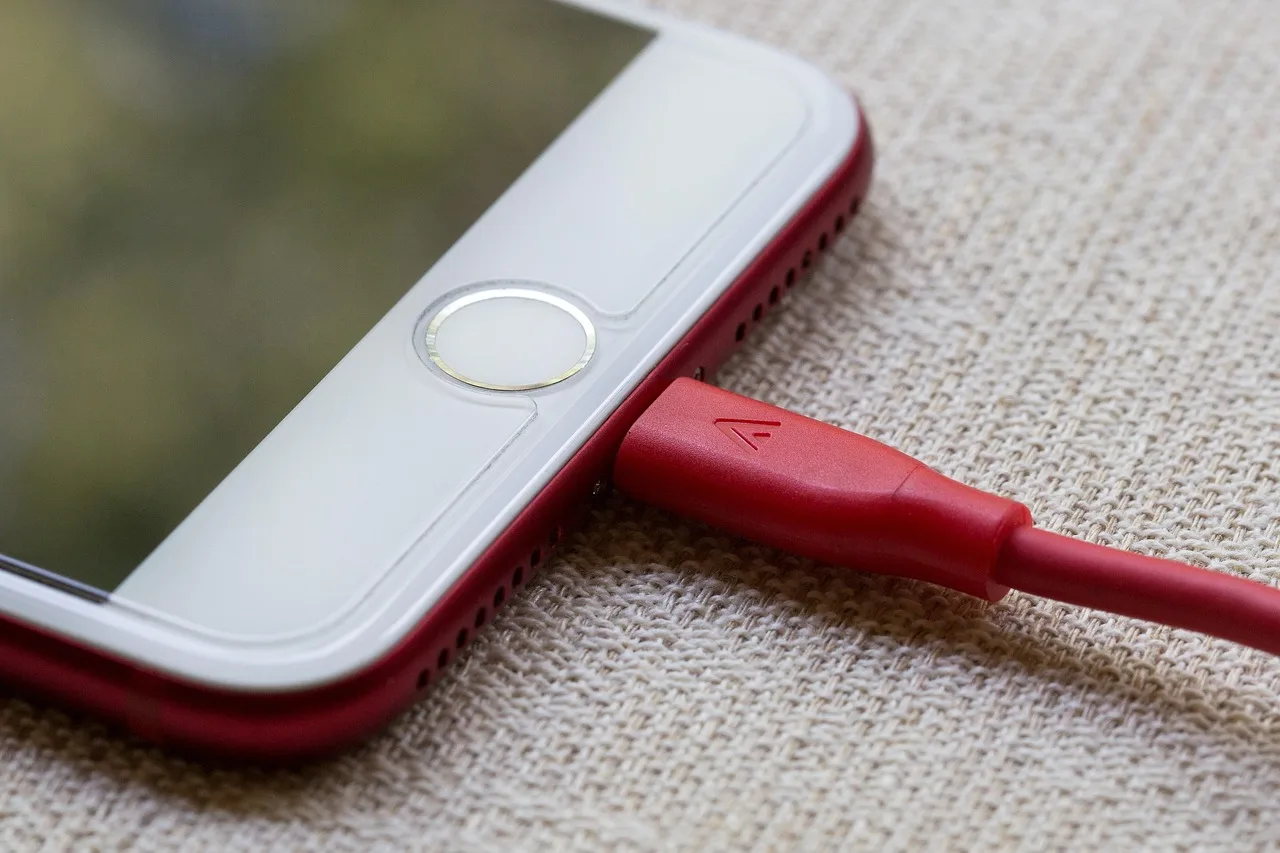
A USB-C cable that looks healthy can still be the fault. Power delivery is negotiated between the two ends, which is why identical-looking cables behave differently. High-current and Extended Power Range cables up to 240 W must carry electronic markers, and a minimal USB 2.0 cable fits the same socket.
A USB-C connector does not guarantee that every power protocol, cable current, or fast-charge mode matches. In the EU, new rules on harmonized fast charging aim to keep charging speed the same with any compatible charger.
For another phone, use its maker's compatible-accessory list. The CPSC advises consumers to purchase manufacturer or carrier recommended products and to contact the maker if unsure whether a charger is compatible.
Isolate adapter and cable in four swaps
Change one item at a time, and wait the same defined time at each step while recording the battery change.
- Original outlet, adapter, and cable
- Same outlet and adapter, known-good compatible cable
- Same outlet and cable, known-good compatible adapter
- Complete known-good compatible set
A deeply discharged phone may need several minutes before displaying anything, so do not conclude that it failed after a few seconds. Use a known working outlet, confirmed with another ordinary device, and connect the first test firmly without extensions or hubs.
The same one-variable method applies to tablet and e-reader charging faults, where the screen type adds its own checks.
Test wireless charging as its own path
Confirm that the exact phone supports the charger standard. Remove incompatible cases, wallets, metal rings, grips, and magnetic attachments. Center the phone according to the charger instructions, use the required adapter, and test on a stable, cool surface.
The Qi standard behind most phone charging pads uses induction between flat coils and includes foreign-object detection to stop nearby metal from heating. Newer versions add magnets for alignment.
Poor coil alignment, a stray object, temperature, or an unsuitable case can pause charging without any hardware fault. A wireless pause does not prove the wired port is bad, and wireless success does not identify the exact wired fault.
Read the software, limit, and heat messages
Some phones slow or pause charging because of temperature, an optimized schedule (Optimized Battery Charging on iPhone, Adaptive Charging on Pixel phones), a user charge limit, detected moisture, or battery-protection logic. Read the exact on-screen message before overriding a setting, because the message names the cause.
Restart if safe, install current supported updates, and compare charging while powered off and while idle. Close any heavy workload for the test, since a busy phone spends power as fast as it takes it in.
If the phone gains power when off but loses it during navigation or gaming, measure both input and consumption before blaming the port. The smartphone setup and care routine builds those update and charging habits from day one.
Decide when slow charging needs service
Seek service when known-good compatible accessories fail, the port is damaged or loose, charging cuts out with normal movement, the battery swells, the phone overheats, or battery behavior remains abnormal after controlled tests.
Give the repairer the symptom log and exact accessories. Ask whether the diagnosis concerns the port, battery, charging assembly, software, or board, and what test confirmed it. Back up before repair. The smartphone repair routes comparison shows which route suits ports, batteries, and boards.
On a phone you are about to buy, a connector that works only at an angle is a used smartphone inspection failure, not a cleaning project.
Common questions
Why does charging stop at a certain percentage?
Check charge limits, optimized charging, temperature, and battery-protection messages before assuming failure.
Can a cable that looks healthy still be the fault?
Yes. The fault can sit in a cable that looks fine, which is why a known-good compatible cable is the first swap.
Does wireless charging prove the battery is healthy?
No. It only shows that one charging path works under that test condition.
Should I factory-reset a phone that will not charge?
Not first. A reset erases data and cannot repair physical damage. Exhaust safer, narrower tests and back up before any erase.