Maintenance
Part of Smartphone buying guide: a needs-first framework
Used smartphone inspection checklist before you buy
Used smartphone inspection checklist for identity, account and carrier locks, battery health, cameras, charging, sensors, repair history, and return terms.
What to take away
- Match the exact phone and identifier to the listing, receipt, and seller.
- Do not accept a device still tied to the previous owner's account.
- Test network, battery, display, cameras, ports, sensors, biometrics, and audio.
- Read repair history and verify every condition claim in writing.
- Reset through the proper account-removal process, then confirm activation.
Use this used smartphone inspection checklist in person or immediately after delivery. Keep the seller's listing, messages, actual-device photographs, payment record, and return deadline together. The smartphone buying guide covers the decision that got you here; this list tests the physical claim.
Seller and terms
- Seller's legal or platform identity recorded.
- Exact model, region, color, storage, and condition grade in writing.
- Price, tax, shipping, included items, and payment protection confirmed.
- Return window, accepted reasons, process, and restocking charge saved.
- Warranty provider, duration, remedy, exclusions, and transport cost saved.
- Meaning of "refurbished" or "certified" defined by the seller.
Identity and ownership
- Model number in settings matches the listing and hardware.
- Serial number and IMEI match the device, receipt, and box where relevant.
- Seller can show lawful ownership or purchase record where appropriate.
- Check the IMEI with CTIA's Stolen Phone Checker and ask the intended carrier to confirm reported-loss, financing, and activation status.
- On an iPhone, open Settings > General > About and check Carrier Lock. “No SIM restrictions” indicates the phone is unlocked; confirm with the intended carrier if the status is unclear.
- Seller removes Apple Activation Lock (Find My) or Google Factory Reset Protection (FRP) before the sale; verify after reset that the phone does not request the previous owner's account.
- Any remaining account lock, carrier restriction, financing, or blacklist status is resolved before payment.
NCSC's guidance on buying and selling second-hand devices covers choosing a used device, erasing the previous owner's personal data, and preparing it before first use. It is UK guidance; for a US purchase, use CTIA's Stolen Phone Checker and the intended carrier's status check for the device.
Verify identity and ownership
- Model number matches listing and hardware
- Serial and IMEI match device, receipt, box
- Seller shows lawful ownership record
- Carrier financing, blacklist, loss, lock checked
- Previous owner's accounts removed properly
Before testing, remove the case and clean the camera lenses with a soft cloth. Test each camera under good light, then check focus and image quality on a nearby subject and a distant one; look for haze, spots, lines, or focus that hunts. Record a short video and play it back to check stabilization and sound, then test the buttons, speakers, microphone, and charging.
The pre-purchase technology checklist holds the record's paperwork half.
Exterior condition
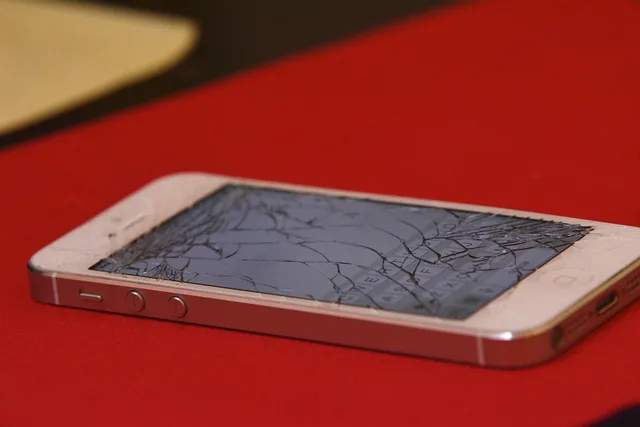
- Frame checked for bends, separation, dents, and sharp edges.
- Front and rear glass checked under angled light.
- Camera lenses checked for cracks, haze, dust, and poor fit.
- Port, speaker openings, microphone openings, and SIM tray inspected.
- Buttons move normally and do not stick.
- Screen sits evenly with no lifting that could indicate adhesive or battery trouble.
- Liquid indicator checked only where the maker provides a safe inspection method.
Stop if the phone is swollen, unusually hot, wet, scorched, or physically unsafe. Do not charge it to finish the list. If the phone is already yours, prepare it for repair rather than finishing a purchase test.
Screen and touch
- Bright and dark screens checked for dead pixels, discoloration, lines, flicker, and burn-in.
- Touch tested across edges, corners, keyboard rows, and multi-touch gestures.
- Brightness control, automatic brightness, orientation, proximity behavior, and refresh setting checked.
- Screen protector distinguished from damaged display glass.
Cameras, audio, and sensors
- Open each front and rear camera separately. Tap to focus on near and far subjects, take still photos, test flash, and record video; check for haze, spots, focus problems, and unstable footage.
- Play back a voice recording to test the microphone; check the earpiece on a call and the loudspeaker with audio playback.
- Face or fingerprint enrollment tested after seller data is removed.
- GPS, compass, accelerometer, proximity sensor, and ambient-light behavior checked as needed.
Radio and network
- Intended SIM or eSIM activates on the exact provider.
- Calls, text, mobile data, hotspot, Wi-Fi, Bluetooth, and NFC tested.
- On an iPhone, check Settings > General > About > Carrier Lock; confirm unclear results with the intended carrier. Android menus vary, so ask the carrier to confirm compatibility and lock status.
- Emergency-calling and Wi-Fi-calling support checked with the provider where required.
Battery and charging
- Battery-health reading and cycle information recorded where available.
- Runtime observed under a defined workload, not idle alone.
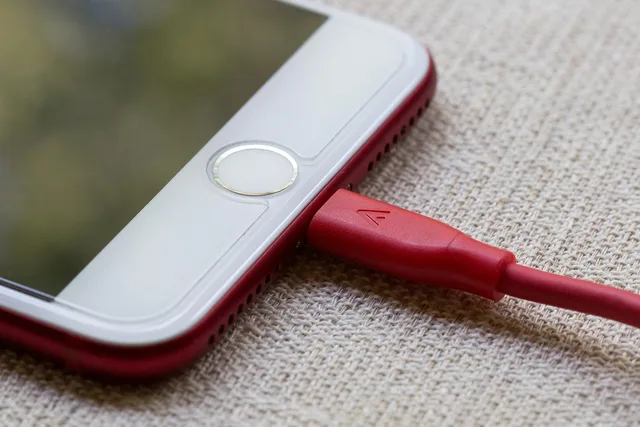
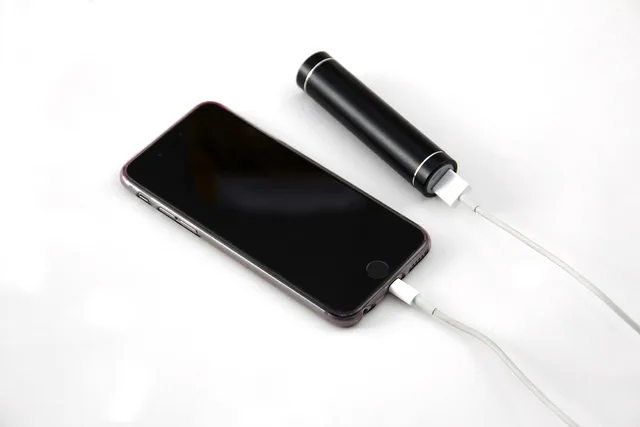
- Wired charging tested with a known compatible cable and adapter.
- Wireless charging tested only if supported.
- Port fit, heat, interruptions, and accessory warnings noted.
- Battery service cost checked before accepting a weak battery.
Software, support, and repair history
- Current supported operating system installs.
- Security patch date and remaining maker support checked.
- Storage capacity and free space match the listing.
- Parts and service history reviewed where the platform exposes it.
- Unknown-part, calibration, biometric, camera, display, or battery messages recorded.
- Required banking, work, accessibility, and authentication applications supported.
Reset and activation test
The International Mobile Equipment Identity page explains that operators blocklist stolen phones' IMEIs. For a US purchase, check the number with CTIA's Stolen Phone Checker and ask the intended carrier about reported loss, financing, and activation status. A lookup reports status at a point in time and cannot guarantee that a phone will never be blocked.
Check the IMEI before money moves. On an iPhone, have the seller sign out of their Apple Account, turn off Find My, and erase the phone; during setup, confirm it does not show “iPhone Locked to Owner” or request the previous owner's credentials. On Android, have the seller remove their Google Account before factory reset; if setup asks for the previous account, Factory Reset Protection is still active. Never ask for or keep the seller's password. The used laptop inspection checklist runs the same ownership gauntlet for bigger machines.
- Seller data removed before possession changes.
- Phone reaches the clean setup screen.
- Buyer can activate with the intended account and network.
- Buyer completes core tests again after reset.
- Old owner's SIM, memory card, wallet, or profile is absent.
Return decision
Compare the delivered item with every written claim. A scratch, weak battery, replaced screen, carrier lock, or short support period may be acceptable only if disclosed and reflected in the decision. For a mismatch, open the seller's or platform's return or “item not as described” claim before the deadline; request a return merchandise authorization (RMA) if the retailer requires one. Keep photographs, exact test results, and the claim confirmation. The day it passes, hand the phone to the setup and care routine.
Common questions
Can an IMEI check prove the phone will never be blocked?
No. It reports a status at a point in time and may not reveal every financing, ownership, or future report issue.
Is a high battery-health percentage enough?
No. Observe charging, heat, shutdown behavior, and runtime under a repeatable workload.
Should I test before or after reset?
Both when possible. The seller may need to demonstrate functions first, but final acceptance should include clean activation under the buyer's control.
What if the seller will not remove the account lock?
Do not take ownership. Before the deadline, open the platform's return or item-not-as-described claim, or request the retailer's RMA if required. Keep the evidence and confirmation.