Features
Part of Smartphone buying guide: a needs-first framework
6 points worth checking on cracked phone screen
Cracked phone screen case showing how a fictional owner handles safety, backs up data, checks hidden damage, compares quotes, and verifies a screen repair.
What to take away
- This fictional case shows a decision process, not a diagnosis for every cracked phone.
- Broken glass, display failure, frame damage, and battery damage require different responses.
- Back up before touch or display damage becomes worse.
- Compare complete repair outcomes, including sensors, seals, calibration, data, and warranty.
- Verify the original symptom and nearby functions before accepting the device.
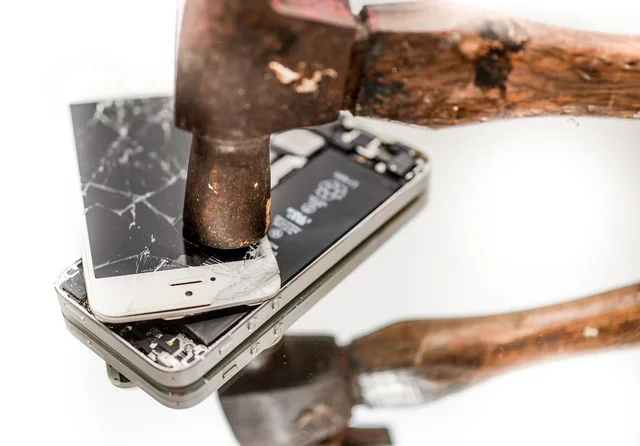
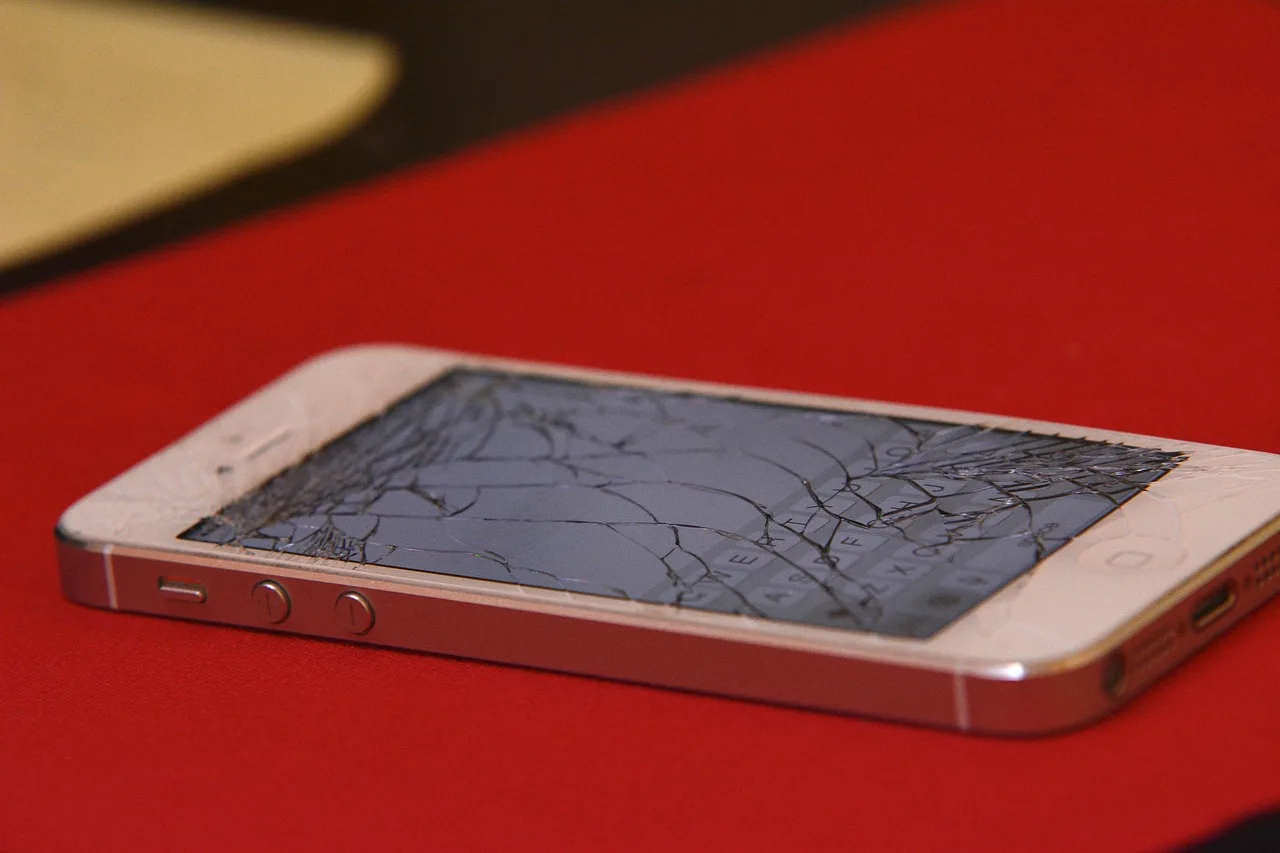
Jon drops a three-year-old phone onto a tiled floor. The upper corner cracks, touch still works, and the image remains visible. He needs the phone for work authentication and cannot risk a sudden loss of access.
First ten minutes: make it safe
Jon disconnects the charger and inspects the phone without pressing the damaged area. The frame is dented near the impact, but the screen is not lifting. There is no smoke, odor, liquid, unusual heat, or visible swelling. He does not peel loose glass or apply liquid cleaner.
The National Fire Protection Association's page on lithium-ion battery safety says the chance of these batteries overheating, catching fire, or exploding rises when damaged or improperly used, charged, or stored.
An impact hard enough to crack glass and dent the frame can stress the battery underneath. So "touch still works" does not mean a dropped phone is safe.
He places the phone on a firm surface away from pressure and children. If it had shown heat, swelling, smoke, hissing, or battery damage, his next step would have been hazardous-device guidance rather than a backup attempt.
Preserve access and evidence
Jon photographs the front, back, dented corner, camera area, and serial-number screen using another device. He writes the drop time and immediate behavior. He does not claim the display assembly alone is damaged.
With the phone cool and stable, he connects it briefly under observation and runs a current backup, then opens representative photos and files from the backup. He confirms account recovery codes and moves his work authenticator to the organization's approved backup method.
He avoids repeated bending or carrying the phone in a pocket. A backup this dependable at short notice is what the smartphone setup and care routine is for.
Check the damage boundary
Jon performs only safe external checks:
| Function | Result |
|---|---|
| Image | complete, no lines or black areas |
| Touch | responds, except near broken corner |
| Front camera | clear |
| Rear cameras | clear and focus normally |
| Earpiece and speaker | normal |
| Microphones | recorded sample sounds normal |
| Buttons | normal |
| Charging | not retested after impact |
| Frame | dent at upper corner |
The failed touch zone means the damage affects more than appearance. The dent may also prevent a replacement screen from seating correctly. He leaves internal inspection to a repairer.
The University of Cambridge's DoITPoMS teaching package on brittle fracture explains why cracks weaken a material: stress concentrates at the crack tip, and sub-critical cracks can grow further under load. A fracture that stops at one corner today can spread across the glass after ordinary handling, so the current crack length says little about next month's.
Gather three complete options
Jon asks the manufacturer service route and two local specialists for written proposals. Each receives the same photographs and fault table. The smartphone repair routes comparison explains what each route can and cannot promise.
Total
- Manufacturer mail-in
- $310
- Local specialist A
- $190
- Local specialist B
- $145
- Suitable replacement
- $620
Time
- Manufacturer mail-in
- 7 to 10 days
- Local specialist A
- 1 day
- Local specialist B
- 2 hours
- Suitable replacement
- 2 days plus setup
Stated work
- Manufacturer mail-in
- inspection, screen or exchange
- Local specialist A
- screen, seal, frame assessment
- Local specialist B
- compatible screen
- Suitable replacement
- new supported phone
Data outcome
- Manufacturer mail-in
- erase required
- Local specialist A
- data retained if possible
- Local specialist B
- not stated
- Suitable replacement
- migration required
Warranty
- Manufacturer mail-in
- 90 days
- Local specialist A
- 180 days
- Local specialist B
- 30 days
- Suitable replacement
- 1 year
The lowest quote does not define display source, calibration, frame treatment, data access, or sensor testing. Jon asks for those details instead of assuming they are included. Undefined parts and scope are classic repair quote problems.
Choose a bounded repair
Specialist A knows the exact model and says the frame must be inspected before the final price.
The intake lists phone only, current condition, and backup status. It notes no permission to erase, a $40 diagnostic fee, and no work above $210 without written approval. Weighing a specialist against the maker's mail-in route is the core of the DIY, independent, and manufacturer comparison.
After opening the phone, the shop reports that the frame is within its fitting tolerance and the battery shows no visible impact damage. It sends photographs, confirms the screen part category, and keeps the original total. Jon approves.
This choice fits because the fault is bounded, the phone still has useful software support, the backup is verified, and replacement would cost much more. Another owner may reasonably choose mail-in exchange or replacement because of coverage, risk, accessibility, or downtime. For the replacement path, the smartphone buying guide does the full pricing job.
Verify the returned phone
At pickup, Jon matches the serial number and checks the frame, screen fit, camera glass, screws, buttons, and invoice. He repeats the original touch-grid test and checks:
- brightness, color, flicker, and dead pixels
- edge and multi-touch response
- proximity sensor and automatic brightness
- front camera and face or fingerprint sign-in
- earpiece, loudspeaker, microphones, and vibration
- wired and wireless charging where supported
- mobile service, Wi-Fi, Bluetooth, and NFC
The shop explains its seal procedure but does not promise that impact history and repair leave the phone identical to its original water-resistance condition. Jon keeps it away from liquid.
He retains the backup and uses the phone normally for two weeks while noting heat, battery drain, touch faults, and display behavior. No fault returns. He stores the invoice, part description, photographs, and 180-day repair warranty.
Common questions
Can clear tape make a cracked screen safe?
It may hold fragments temporarily, but it does not assess battery, frame, display, or sharp-edge risk. Stop using unsafe glass and seek proper handling advice.
Is a working image proof that only the outer glass broke?
No. Touch, display layers, frame, sensors, adhesives, and internal parts can be affected.
Should a cracked phone be charged before repair?
Only if the device is assessed as safe and the maker's guidance permits it. Do not charge a hot, swollen, wet, crushed, or otherwise suspect battery.
Why test sensors after screen repair?
Screen work can disturb nearby cameras, proximity sensing, biometrics, microphones, speakers, seals, and touch calibration.